How to post your dancing dog video on TikTok and Reels
Your video is already the right shape (9:16) and length (10 seconds) for TikTok, Reels and Shorts. Here is how to post it so it gets seen.
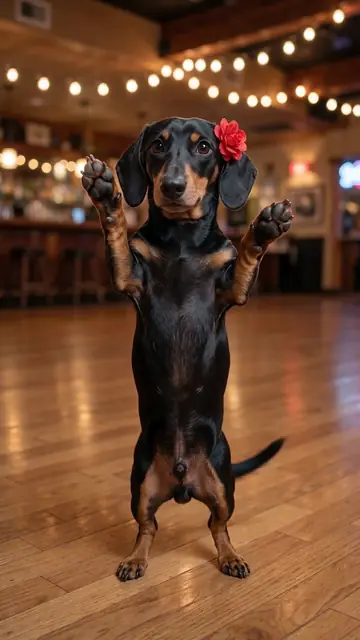
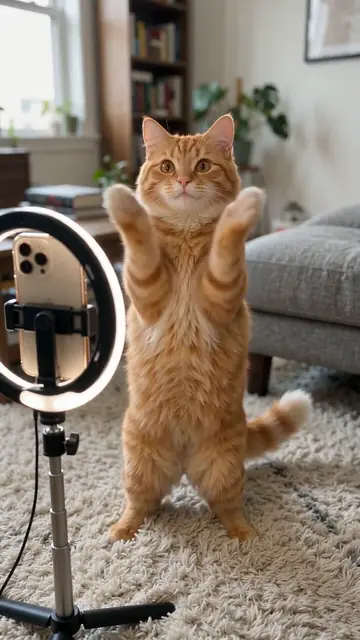
TikTok
- Tap +, then Upload, and pick your video.
- To use a trending sound, tap Add sound, choose a sound and lower the original volume to zero. To keep our music, skip this.
- Tap Next, write a caption and add hashtags.
- Open More options and turn on AI-generated content.
- Post.
Instagram Reels
- Tap +, then Reel, and pick your video.
- Tap the music note to add a sound, if you want one.
- Write a caption and hashtags, then under Advanced settings add the AI label.
- Share.
YouTube Shorts
- Tap +, then Create a Short, and choose Upload.
- Add a sound if you want, then a title.
- Answer the "altered or synthetic content" question with Yes.
- Upload.
Caption ideas
- "My dog if he had rhythm"
- "POV: the zoomies finally found a beat"
- "She practised all week for this"
- "Which style next? Ballet or hip-hop?"
Hashtags
#dancingdog #aidancingdog #dogdance #dogsoftiktok #funnydog plus your breed, like #corgi or #husky.
Best time to post
Evenings and weekends usually work best for pet content, but your own audience matters more. Post, wait a day, and check your analytics.
Make your own dancing dog video
One photo, five dance styles, one-time payment from $4.99. Ready in about 4 minutes.
Upload your dog's photoQuestions and answers
Do I need to label it as AI?
TikTok, Instagram and YouTube all ask creators to label realistic AI content. It does not hurt views and keeps your account safe.
Why does my video have black bars?
It should not: the video is 9:16. If you edited it in another app, check the export size is 1080x1920 or 720x1280.
Can I share it on WhatsApp?
Yes. Use the Share button after download, or send the MP4 like any video.
More guides
- How to make your dog dance with AIOne photo, one dance style, one payment. The full walkthrough, from the photo to posting.
- Is the dancing dog video real?Most of the smooth, on-beat dancing dogs in your feed are AI. Six quick ways to tell.
- AI dog dance stylesHip-hop, Viral TikTok, Disco, Ballet or Salsa. What each style looks like, and which dogs suit it.
- Dancing cat AI: make any pet danceCats, rabbits, guinea pigs, ferrets. Any pet can dance. What works best for each.
- Free vs paid AI dancing dog videosWatermarks, resolution, queues and likeness. An honest look at what "free" usually means.
- The best photo for an AI dancing dog videoEight quick tips that make your dog look like your dog. Full body, daylight, eye level.