The best photo for an AI dancing dog video
The AI can only keep what it can see. A good photo takes ten seconds to choose and makes the biggest difference to the result.
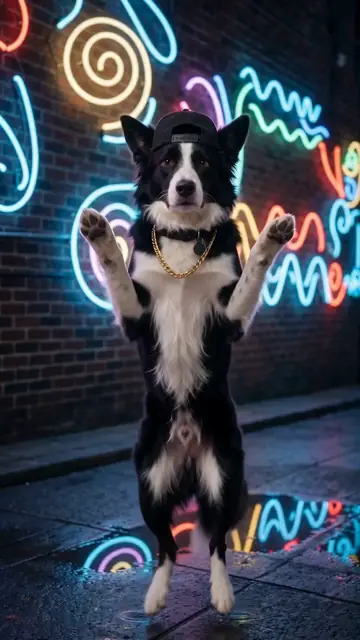
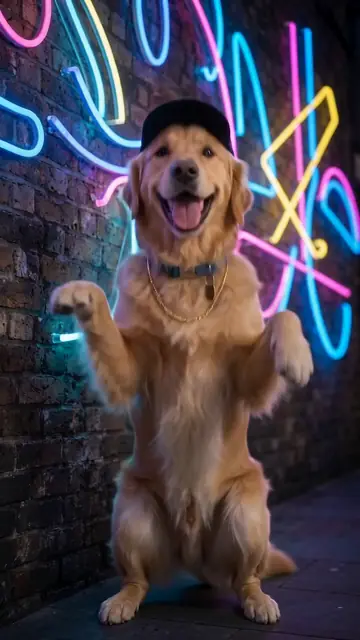
The 8 tips
- Show the whole dog. Ears to paws, with a little space around. The AI has to stand your dog up, so it needs to see the legs.
- Use daylight. A window or the outdoors. Indoor yellow light changes the fur colour.
- Get down to eye level. Photos from above shrink the body and make the head huge.
- Face toward the camera. Three-quarter views are great. Back views are not.
- One animal only. Two dogs in one photo can get mixed into one.
- No filters, no stickers. They change the eyes and the markings.
- Sharp, not blurry. Wait until your dog sits still for a second.
- Fill the frame. If your dog is small in the photo, crop it first.
Good photo vs weak photo
| Good | Weak |
|---|---|
| Standing or sitting, full body, daylight | Curled up asleep in a blanket |
| Eye-level, face visible | Shot from above, only the back of the head |
| Plain background | Busy background with other pets or people |
| Natural colours | Black-and-white or a heavy filter |
Does breed matter?
No. Every breed works, from Chihuahuas to Great Danes, and mixed breeds too. Dogs with very distinctive markings (Dalmatians, huskies, merle coats) come out best when the photo shows those markings clearly.
Collars, bandanas and harnesses
The AI tries to keep a collar or bandana if it is visible. A bulky harness may change shape when the dog stands up. If you want the cleanest look, use a photo without a harness.
Make your own dancing dog video
One photo, five dance styles, one-time payment from $4.99. Ready in about 4 minutes.
Upload your dog's photoQuestions and answers
Can I use an old photo of my dog?
Yes. Any clear photo works, including photos of a dog that has passed away. Many people make a video to remember them.
Can I use a puppy photo?
Yes. The AI keeps the puppy look.
What file types work?
JPG, PNG, WebP and iPhone HEIC photos.
More guides
- How to make your dog dance with AIOne photo, one dance style, one payment. The full walkthrough, from the photo to posting.
- Is the dancing dog video real?Most of the smooth, on-beat dancing dogs in your feed are AI. Six quick ways to tell.
- AI dog dance stylesHip-hop, Viral TikTok, Disco, Ballet or Salsa. What each style looks like, and which dogs suit it.
- Dancing cat AI: make any pet danceCats, rabbits, guinea pigs, ferrets. Any pet can dance. What works best for each.
- Free vs paid AI dancing dog videosWatermarks, resolution, queues and likeness. An honest look at what "free" usually means.
- Dog dance trends and video ideasIdeas that work on TikTok and Reels: reveals, birthdays, duets and "my dog if he could dance".